Nori Shutdown PC Timer
Shut down your PC on time
A small timer for Windows that shuts down, restarts or puts your PC to sleep — with a click, on a schedule, or when you just say “Hey, Nori”.
- Shut down
- Restart
- Sleep
- Hibernate

Just say “Hey, Nori”
Start, extend, pause or cancel the timer without reaching for the mouse. Nori answers with a soft sound and a notification — and out loud, if you like.
- Works offline: speech is recognized on your computer and never sent anywhere.
- Commands in five languages: English, Русский, Українська, Français and 日本語.
- Only the speech model of your language is downloaded.
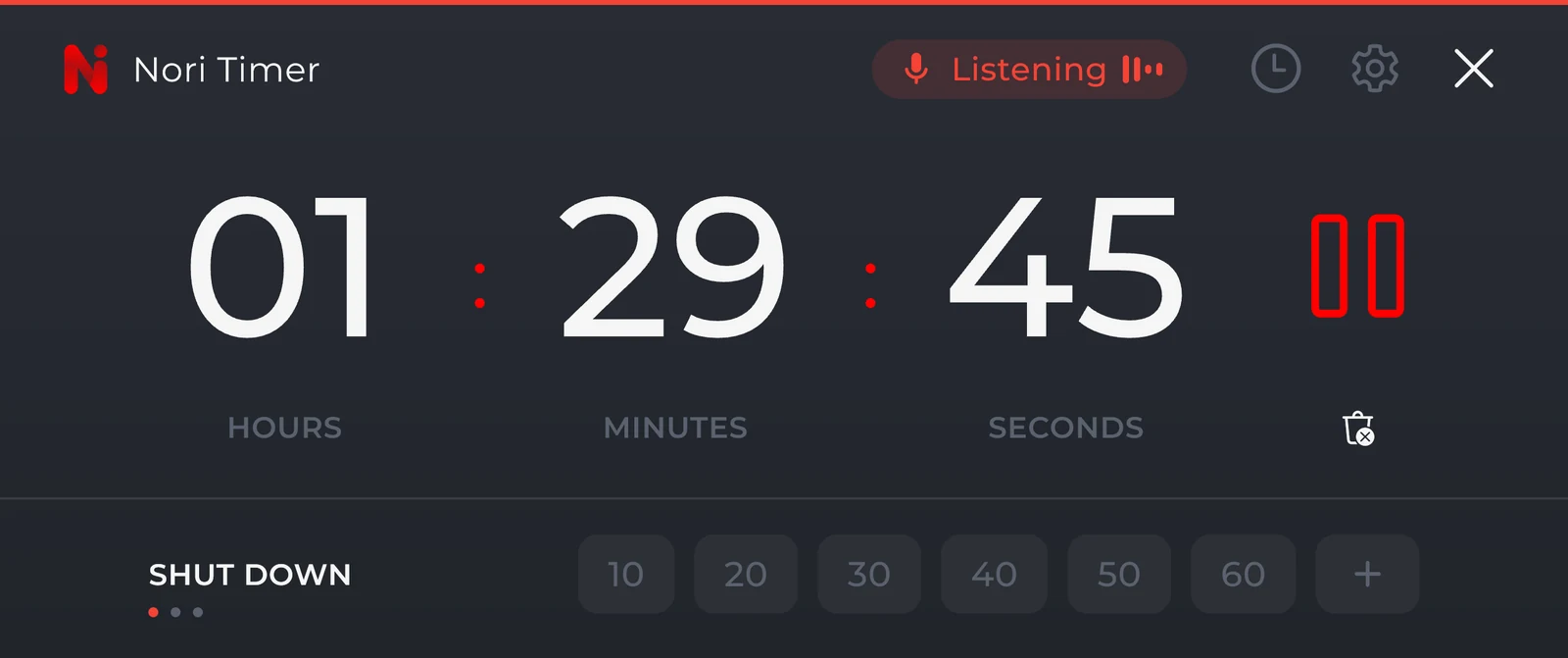
Any time in a scroll
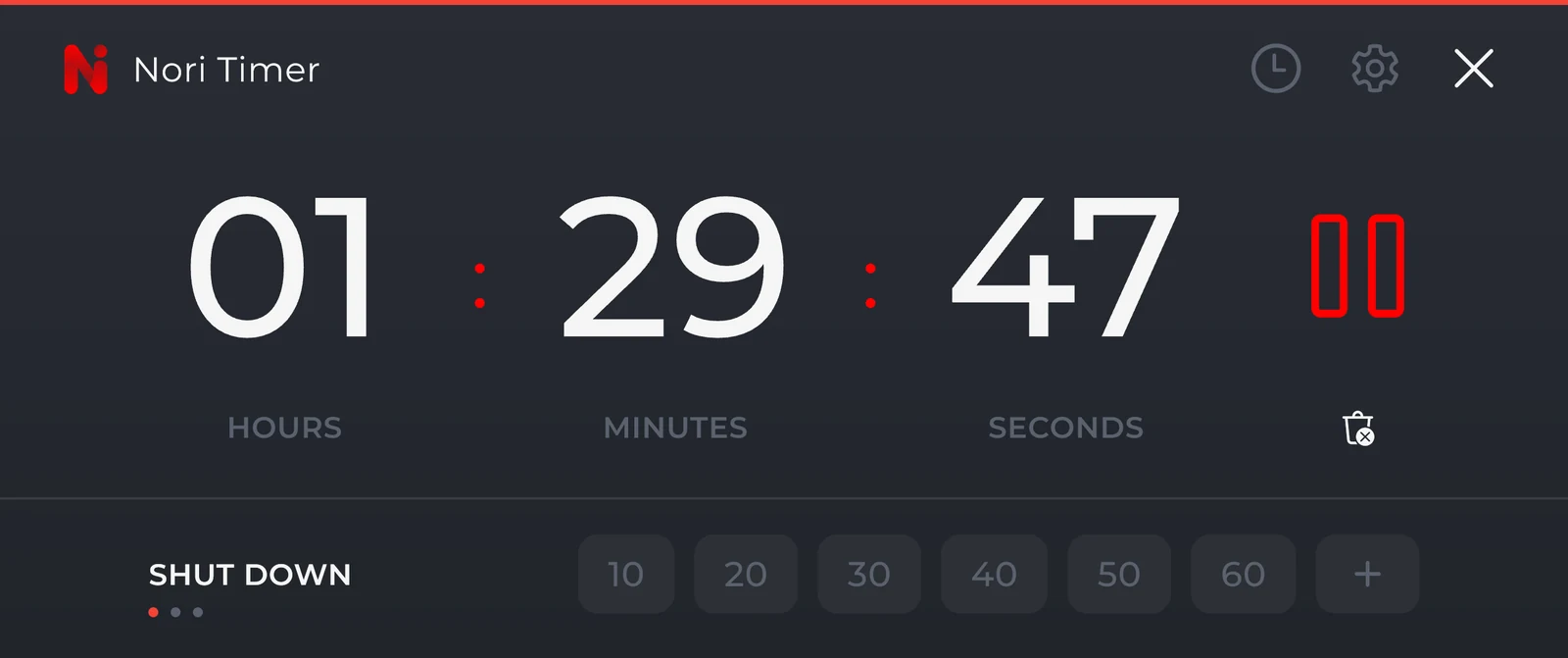
Point at hours, minutes or seconds and turn the mouse wheel, use the arrow keys, or start in one click with the 10–60 minute presets. Up to 23:59:59.
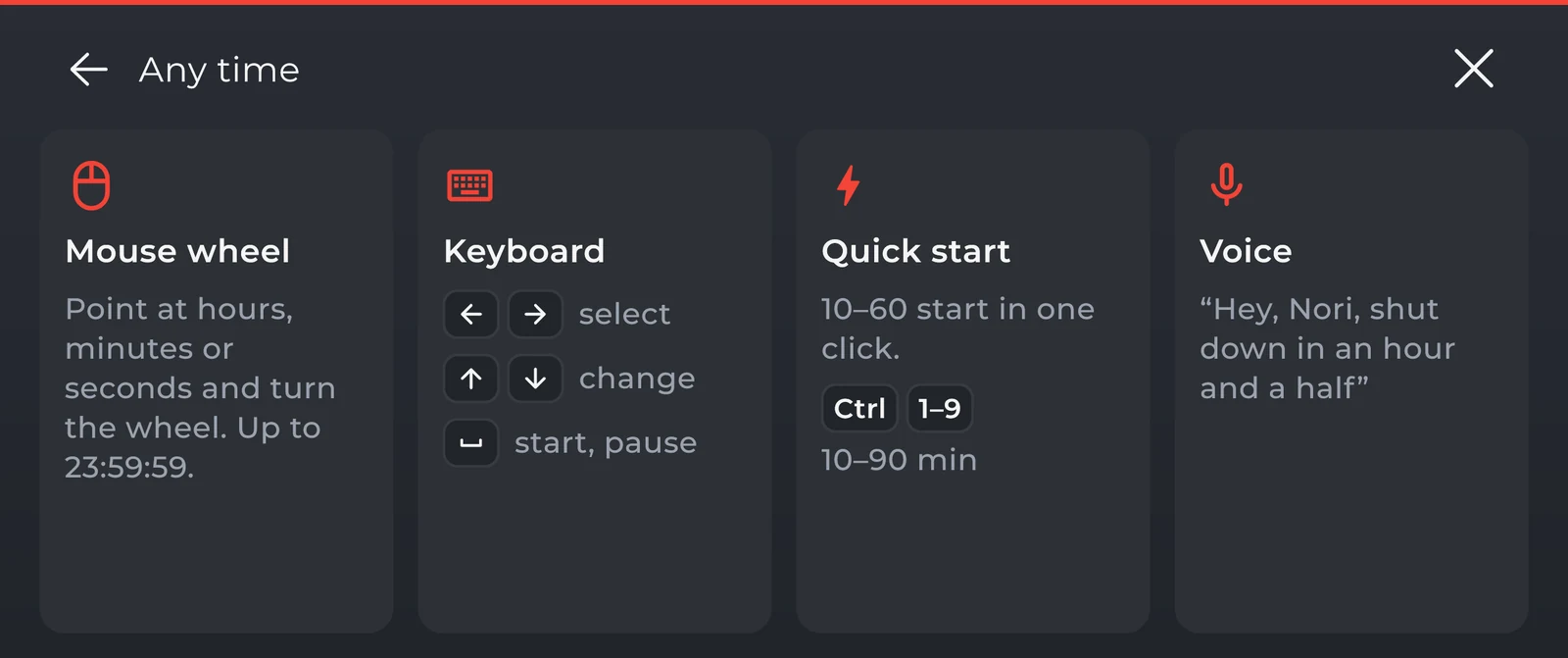
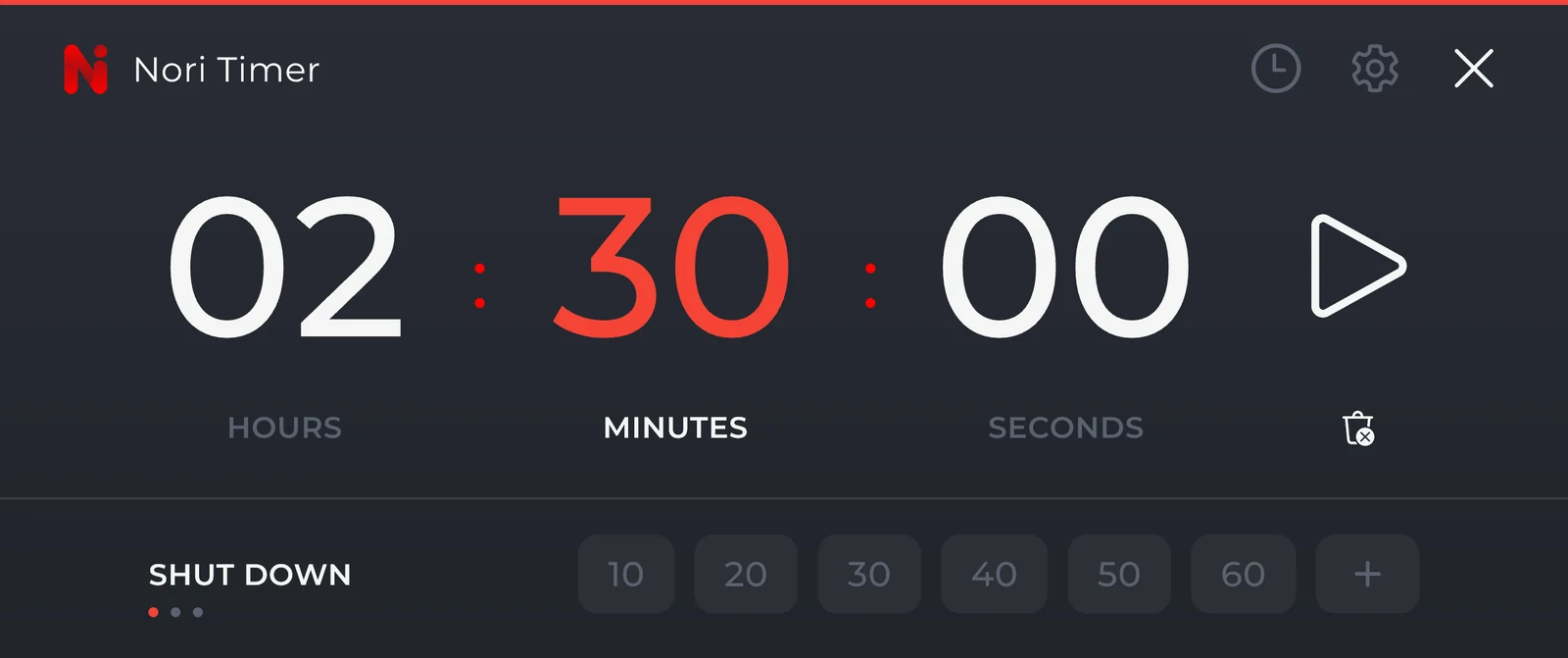
Plan it once
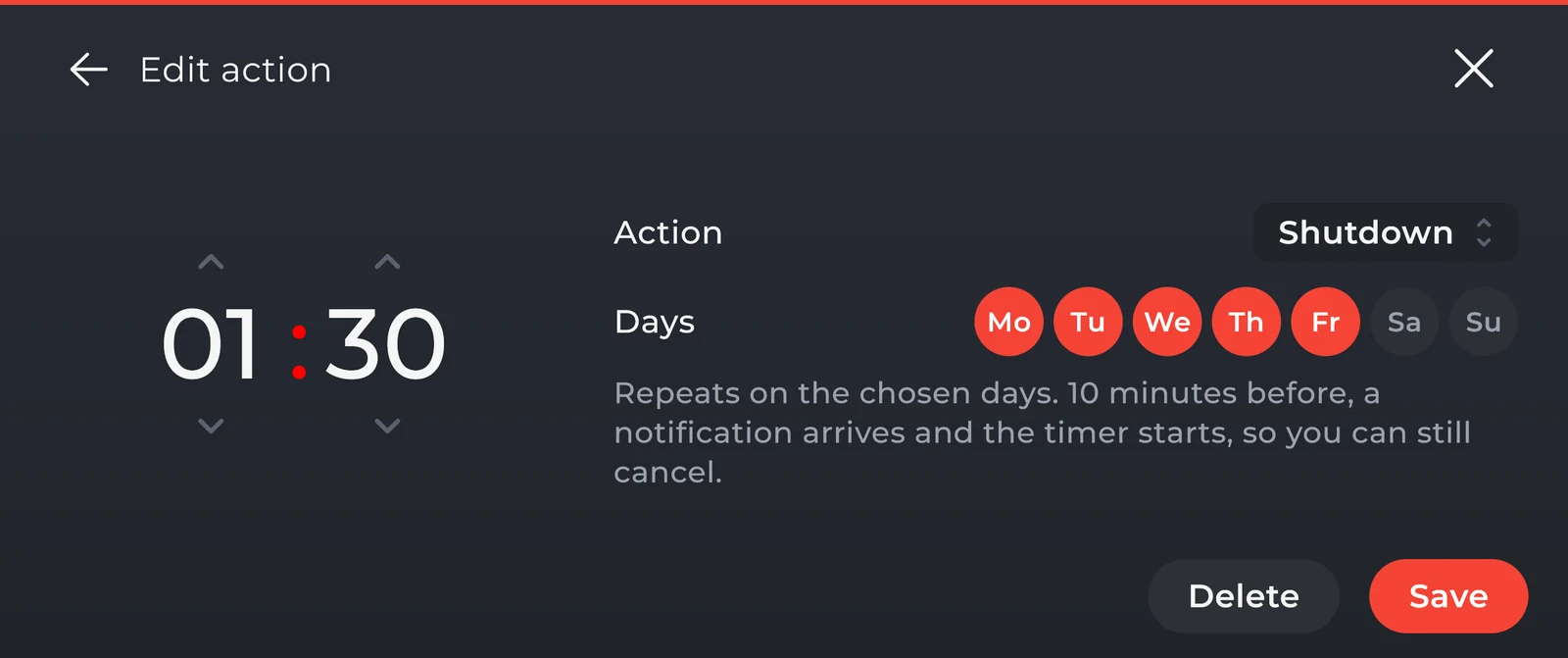
Shut down every weeknight, sleep on weekends. Pick the time and the days — ten minutes before, Nori warns you and starts the timer, so you can still cancel.
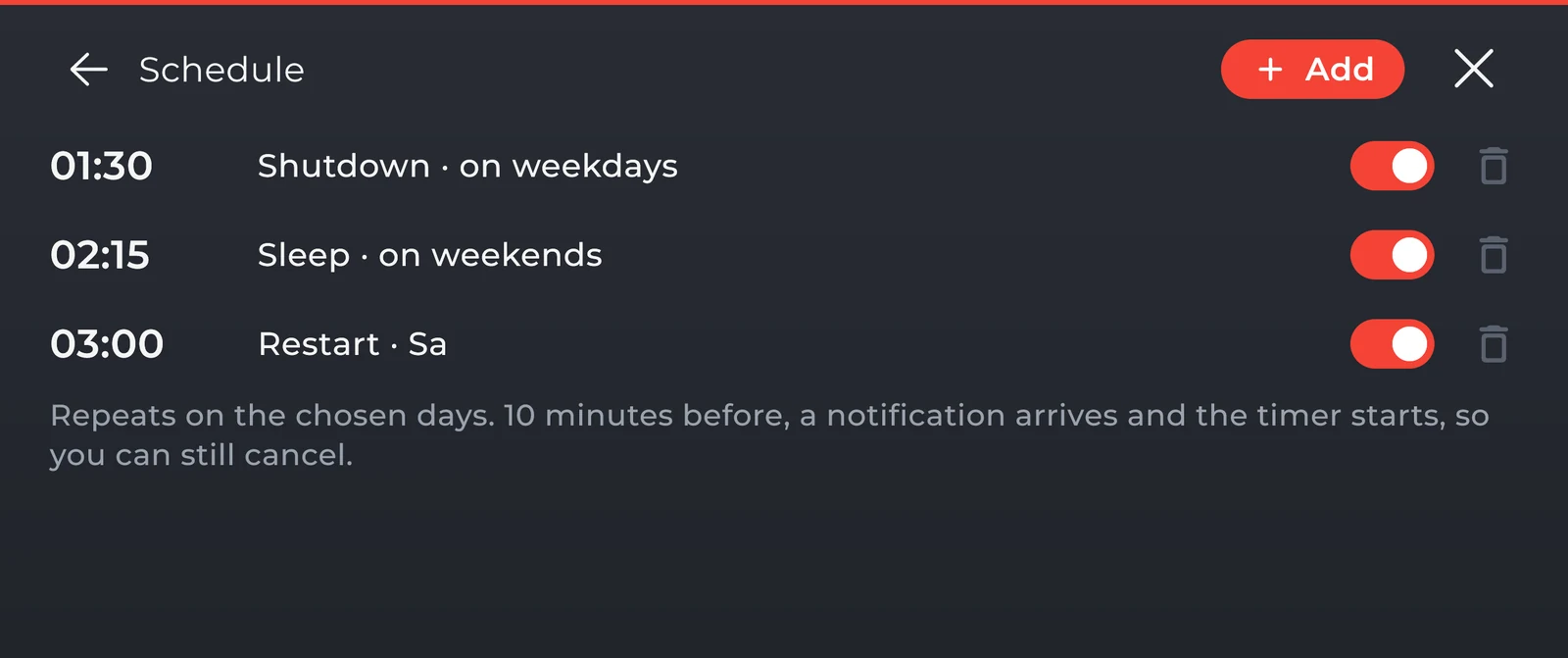
Never miss the moment
A quiet notification ten minutes before. A minute before, Nori comes to the front so you can still cancel. Soft “pop” sounds tell you when a timer is set or cancelled.
 Nori Timer
Made to fit your desktop
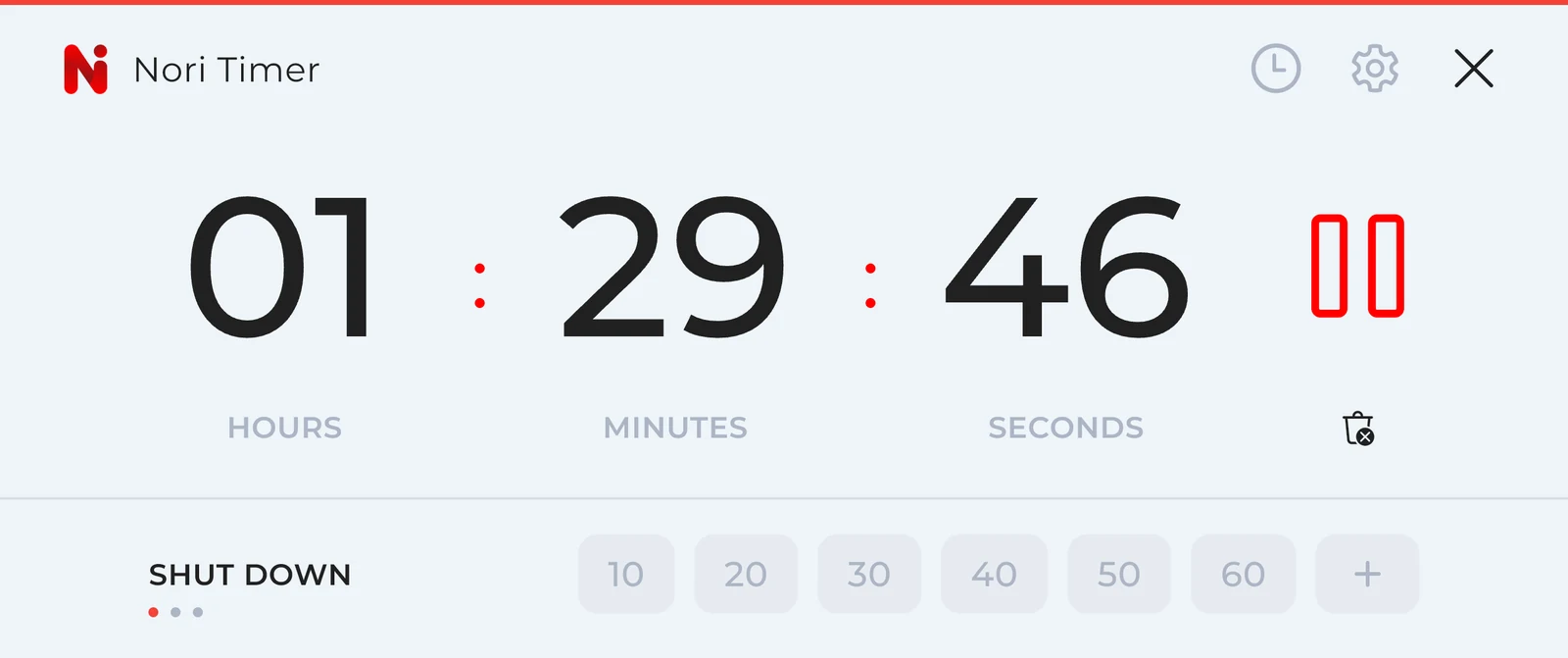
Light and dark themes and a compact window that waits in the tray. Start with Windows, keep the PC awake while the timer runs, or lower the volume little by little to fall asleep to a film.
- English
- Русский
- Українська
- Français
- 日本語

Your PC, off on time
Get Nori Shutdown PC Timer from Microsoft Store.
Get it from Microsoft Store